flow canvas=1200
columns 1,1.1,1
gap 96,16
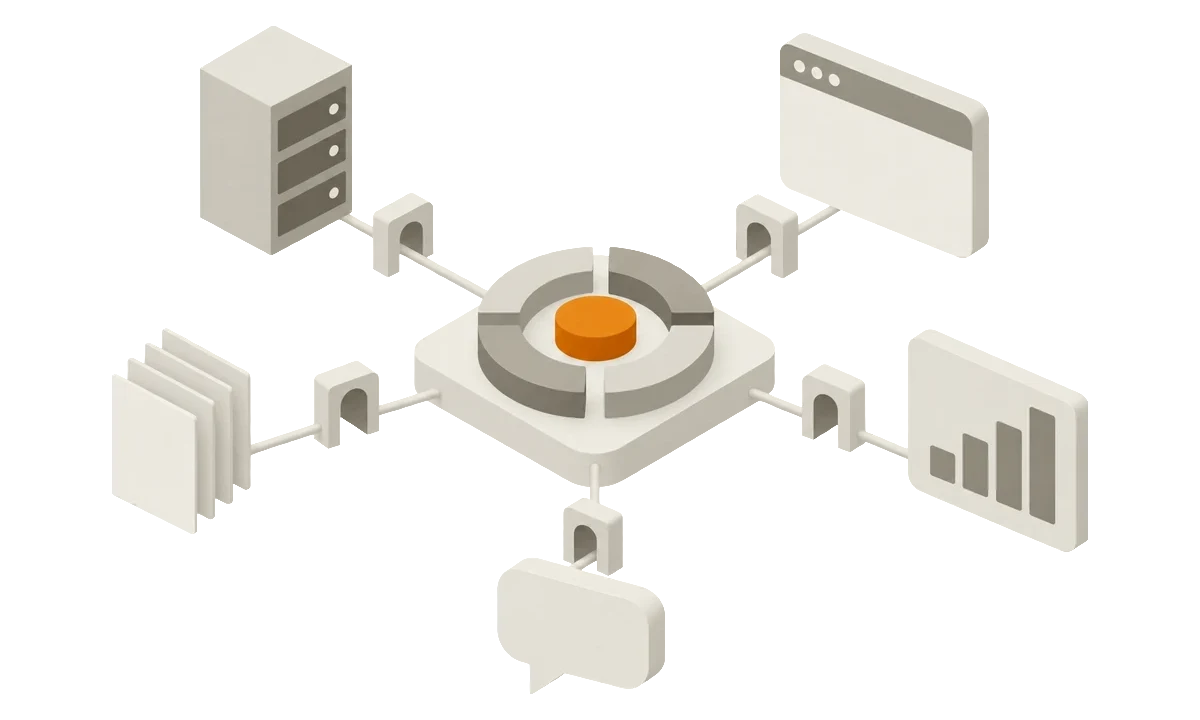
title "Your applications access your content through API Hub"
description "Scripts and automation, third-party services, applications for editors and AI assistants are outside the TYPO3 installation. They connect to API Hub, which is in the installation. API Hub checks each request and sends it to the records and files."
group apps "Your applications"
scripts "Scripts and automation"
at 0,0
services "Third-party services"
at 0,1
tools "Applications for editors"
at 0,2
agents "AI assistants and agents"
at 0,3
group install "Your TYPO3 installation"
emphasis
hub "API Hub"
at 1,0
rows 4
strong
item "Checks the token"
item "Checks the scopes"
item "Applies the permissions"
records "Records"
at 2,0
rows 2
store
body "Pages and content of all tables"
files "Files"
at 2,2
rows 2
store
body "Files and folders of the storages"
scripts -> hub
services -> hub
tools -> hub
agents -> hub
hub -> records
hub -> files
flow canvas=1200
columns 1,1.1,1
gap 96,16
title "Your applications access your content through API Hub"
description "Scripts and automation, third-party services, applications for editors and AI assistants are outside the TYPO3 installation. They connect to API Hub, which is in the installation. API Hub checks each request and sends it to the records and files."
group apps "Your applications"
scripts "Scripts and automation"
at 0,0
services "Third-party services"
at 0,1
tools "Applications for editors"
at 0,2
agents "AI assistants and agents"
at 0,3
group install "Your TYPO3 installation"
emphasis
hub "API Hub"
at 1,0
rows 4
strong
item "Checks the token"
item "Checks the scopes"
item "Applies the permissions"
records "Records"
at 2,0
rows 2
store
body "Pages and content of all tables"
files "Files"
at 2,2
rows 2
store
body "Files and folders of the storages"
scripts -> hub
services -> hub
tools -> hub
agents -> hub
hub -> records
hub -> files
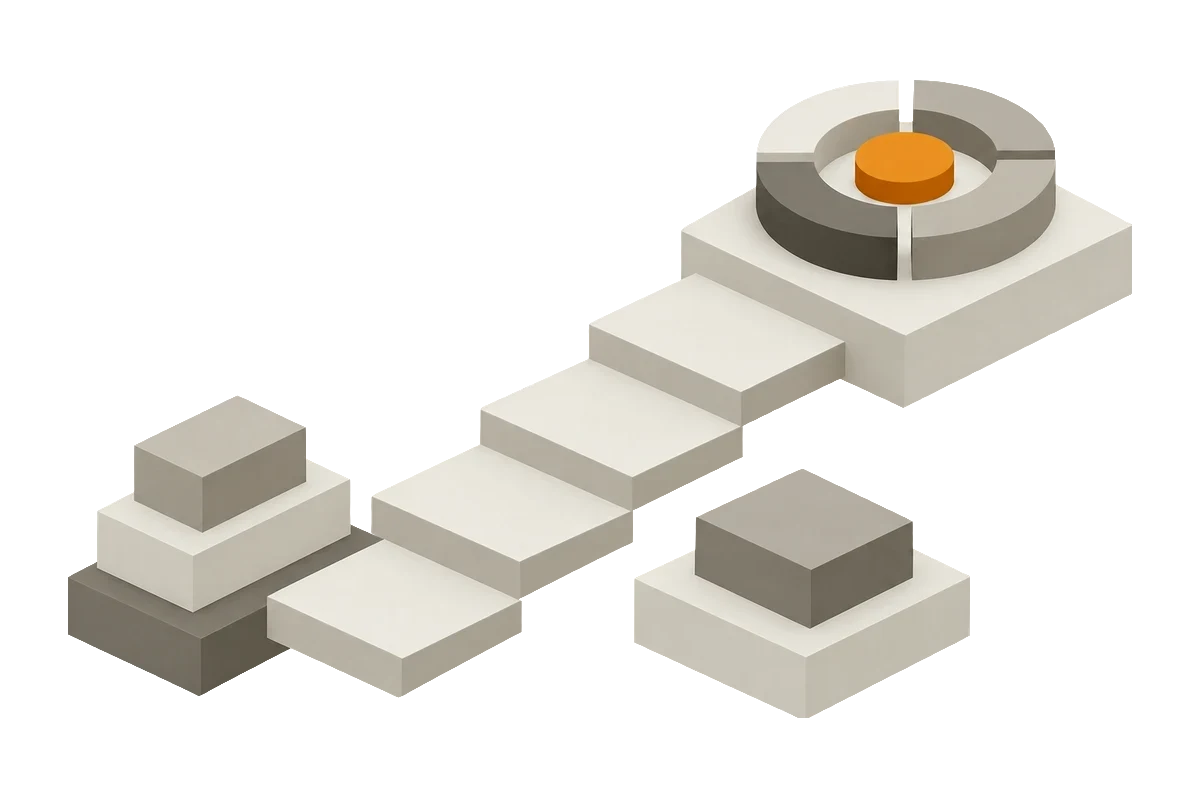
All applications use one controlled API. Your content stays in your TYPO3 installation, and your permissions apply.
One API instead of many interfaces
Usually, each integration has its own interface, keys and
documentation. You must maintain all of them. API Hub gives all your
applications one API.
Faster integrations: The API gives access to records and files.
Limited access: Each application gets only the selected access.
One overview: One module shows all applications with access.
Correct documentation: TYPO3 generates it from the code.
Known standards: The API uses OAuth 2.0, OpenAPI and JSON Schema
matrix canvas=576
title "An administrator selects the access of each app"
description "Four example apps against the scopes that an administrator selected for them. The content import and the editorial assistant can read and change content. The uptime monitoring and the translation service can only read content. No app can do administrative tasks."
column "Read content" group="Access selected by the administrator" sub="content:read"
column "Change content" group="Access selected by the administrator" sub="content:write"
column "Admin tasks" group="Access selected by the administrator" sub="admin"
row "Content import": yes yes no
row "Uptime monitoring": yes no no
row "Editorial assistant": yes yes no
row "Translation service": yes no no
legend yes="allowed" no="not allowed"
matrix canvas=576
title "An administrator selects the access of each app"
description "Four example apps against the scopes that an administrator selected for them. The content import and the editorial assistant can read and change content. The uptime monitoring and the translation service can only read content. No app can do administrative tasks."
column "Read content" group="Access selected by the administrator" sub="content:read"
column "Change content" group="Access selected by the administrator" sub="content:write"
column "Admin tasks" group="Access selected by the administrator" sub="admin"
row "Content import": yes yes no
row "Uptime monitoring": yes no no
row "Editorial assistant": yes yes no
row "Translation service": yes no no
legend yes="allowed" no="not allowed"
Example of four apps. The administrator selects the access for each app, independent of its app type.
You control the access
The access of an application is never more than the access of its backend user.
It is also never more than an administrator selected. Page, table, field and
file permissions and workspaces apply as in the backend.
flow canvas=860 even
columns 1,1,1,1,1
gap 32,36
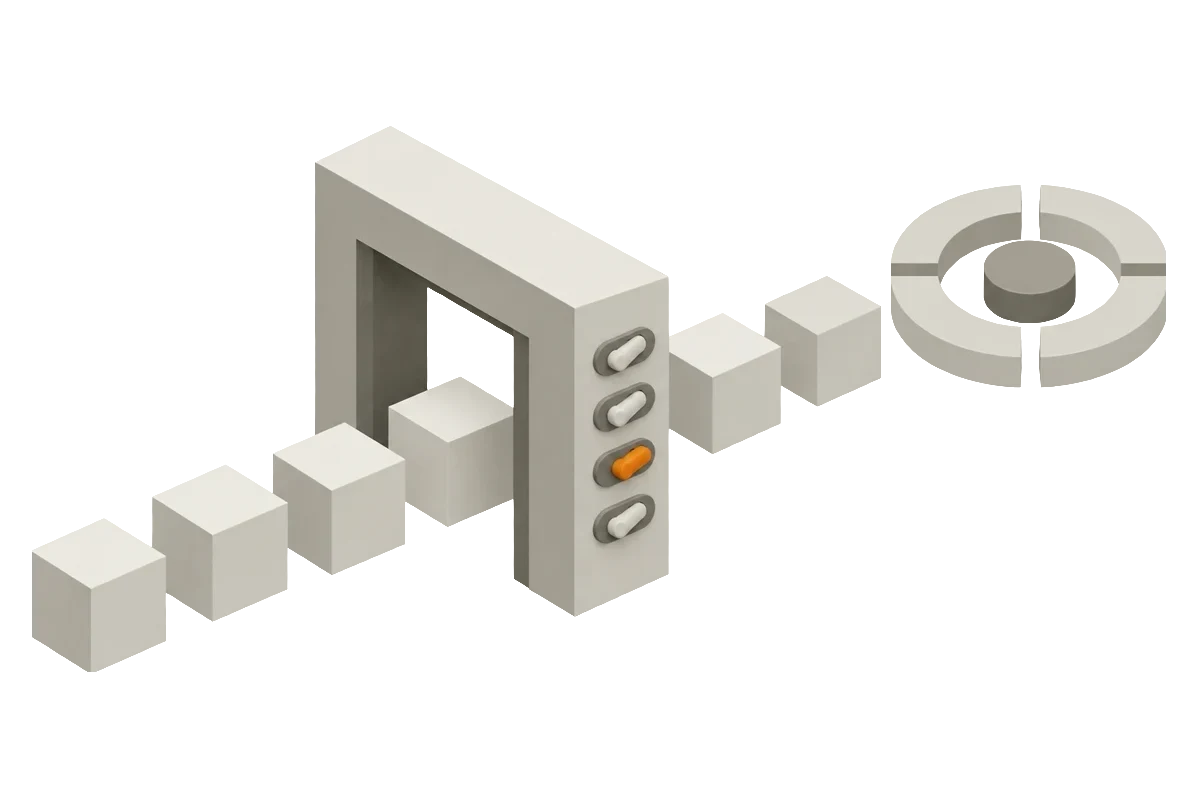
title "An application must pass four checks to access your content"
description "A request passes four checks in sequence: the token, the scopes, the permissions of the backend user and the safeguards for sensitive data. An invalid token returns the status 401. Each other failed check returns the status 403. After all checks, the request reaches the content."
token "Token"
at 0,0
eyebrow "Check 1"
body "App enabled, token valid"
scopes "Scopes"
at 1,0
eyebrow "Check 2"
body "Selected by an admin"
user "Permissions"
at 2,0
eyebrow "Check 3"
body "Of the backend user"
sensitive "Safeguards"
at 3,0
eyebrow "Check 4"
body "Scope for admin tables"
content "Content"
at 4,0
eyebrow "Access"
store
body "Records and files"
e401 `401`
at 0,1
dashed
body "Token not valid"
e403a `403`
at 1,1
dashed
body "Scope missing"
e403b `403`
at 2,1
dashed
body "No permission"
e403c `403`
at 3,1
dashed
body "No admin scope"
token => scopes
scopes => user
user => sensitive
sensitive => content
token -x e401
scopes -x e403a
user -x e403b
sensitive -x e403c
flow canvas=860 even
columns 1,1,1,1,1
gap 32,36
title "An application must pass four checks to access your content"
description "A request passes four checks in sequence: the token, the scopes, the permissions of the backend user and the safeguards for sensitive data. An invalid token returns the status 401. Each other failed check returns the status 403. After all checks, the request reaches the content."
token "Token"
at 0,0
eyebrow "Check 1"
body "App enabled, token valid"
scopes "Scopes"
at 1,0
eyebrow "Check 2"
body "Selected by an admin"
user "Permissions"
at 2,0
eyebrow "Check 3"
body "Of the backend user"
sensitive "Safeguards"
at 3,0
eyebrow "Check 4"
body "Scope for admin tables"
content "Content"
at 4,0
eyebrow "Access"
store
body "Records and files"
e401 `401`
at 0,1
dashed
body "Token not valid"
e403a `403`
at 1,1
dashed
body "Scope missing"
e403b `403`
at 2,1
dashed
body "No permission"
e403c `403`
at 3,1
dashed
body "No admin scope"
token => scopes
scopes => user
user => sensitive
sensitive => content
token -x e401
scopes -x e403a
user -x e403b
sensitive -x e403c
Each request must pass all checks. The first failed check stops the request. API responses never contain passwords.
Disable an app. Its next request fails.
The API does not return passwords or password hashes.
API Hub operates in your installation and needs no additional
service.
Disable an app. Its next request fails.
Access stops immediately
Disable an app. Its next request fails.
The API does not return passwords or password hashes.
Passwords stay hidden
The API does not return passwords or password hashes.
API Hub operates in your installation and needs no additional
service.
Your data stays in your installation
API Hub operates in your installation and needs no additional
service.
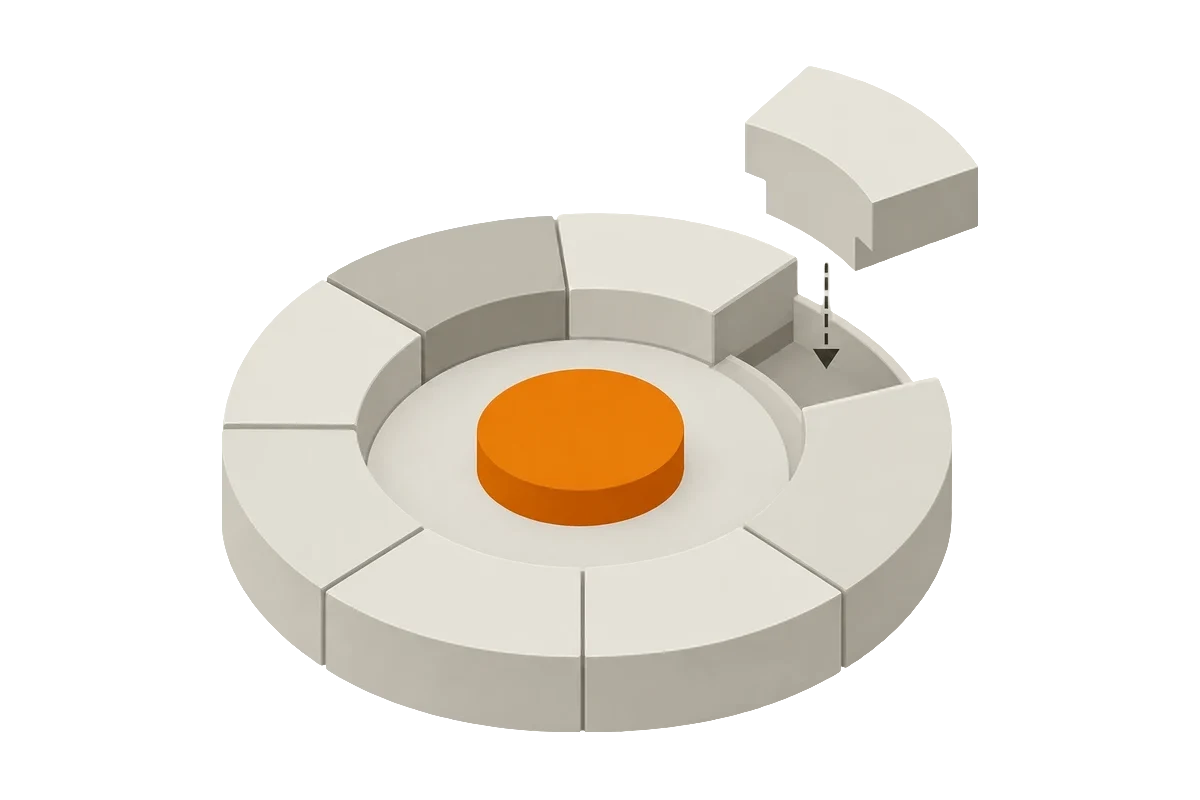
The REST API gives access to records and files. Applications authenticate
with OAuth 2.0 or a static token, and scopes limit each application.
Extensions add their own actions to the API. Other interfaces, for example
for AI agents, can use the same apps, tokens and scopes. Each interface then
has the same access control, and you manage all applications in one module.
Use cases
Connect workflow and monitoring tools. Each token gives access only to
the necessary actions.
Move content into TYPO3 with the same validation as in the backend.
Use a workspace to review the content.
Editors use external tools. The permissions of each editor apply.
Agents use the API with a token, as all other apps do. The same limits
apply.
Connect workflow and monitoring tools. Each token gives access only to
the necessary actions.
Agents use the API with a token, as all other apps do. The same limits
apply.
Part of the TYPO3 Suite
The release of API Hub for TYPO3 14.3 is on 9 November 2026, as part of the
TYPO3 Suite. The TYPO3 Company submitted this
feature for integration in TYPO3 v15, and it will likely be part of it. You
can use API Hub before the next major version.
For Suite components, the TYPO3 Company is the manufacturer under the
EU Cyber Resilience Act.
Each Suite version gets updates and up to 7 years of support. Supported
versions get ELTS access.